
This post is all based on awesome idea #99 by my fab co-teacher @YYteach. The problem we were facing was that we had great mini-lessons and charts, but the students struggled to apply the teaching points independently. With our personal... Continue Reading →
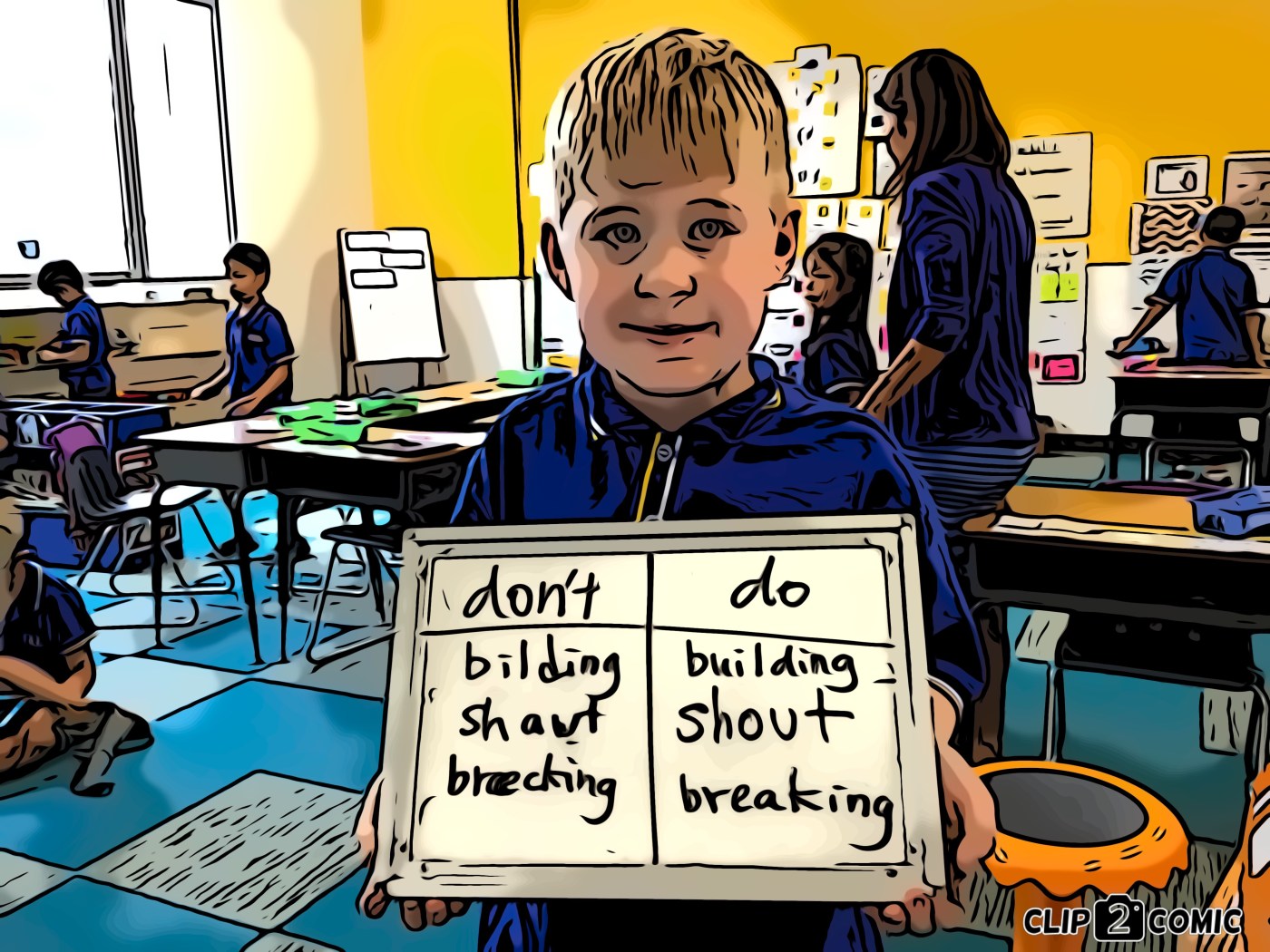
The "Don't and Do" spelling strategy is very simple, effective, and quick. It works something likes this: When your students are ready to start editing their piece of writing ask them to make a T-chart titled "Don't" and "Do" on... Continue Reading →

Is your inbox out of control and stressing you out? Then take a look at Inbox by Google. To-do lists, calendar events, emails all in one package to make the daily digital grind easier to manage. Takes a little getting... Continue Reading →

If you're like me you, your Chrome browser is probably running tons of tabs. Aside from draining your battery and slowing down your machine, all these open tabs are also frustrating to manage (especially when you have so many open... Continue Reading →
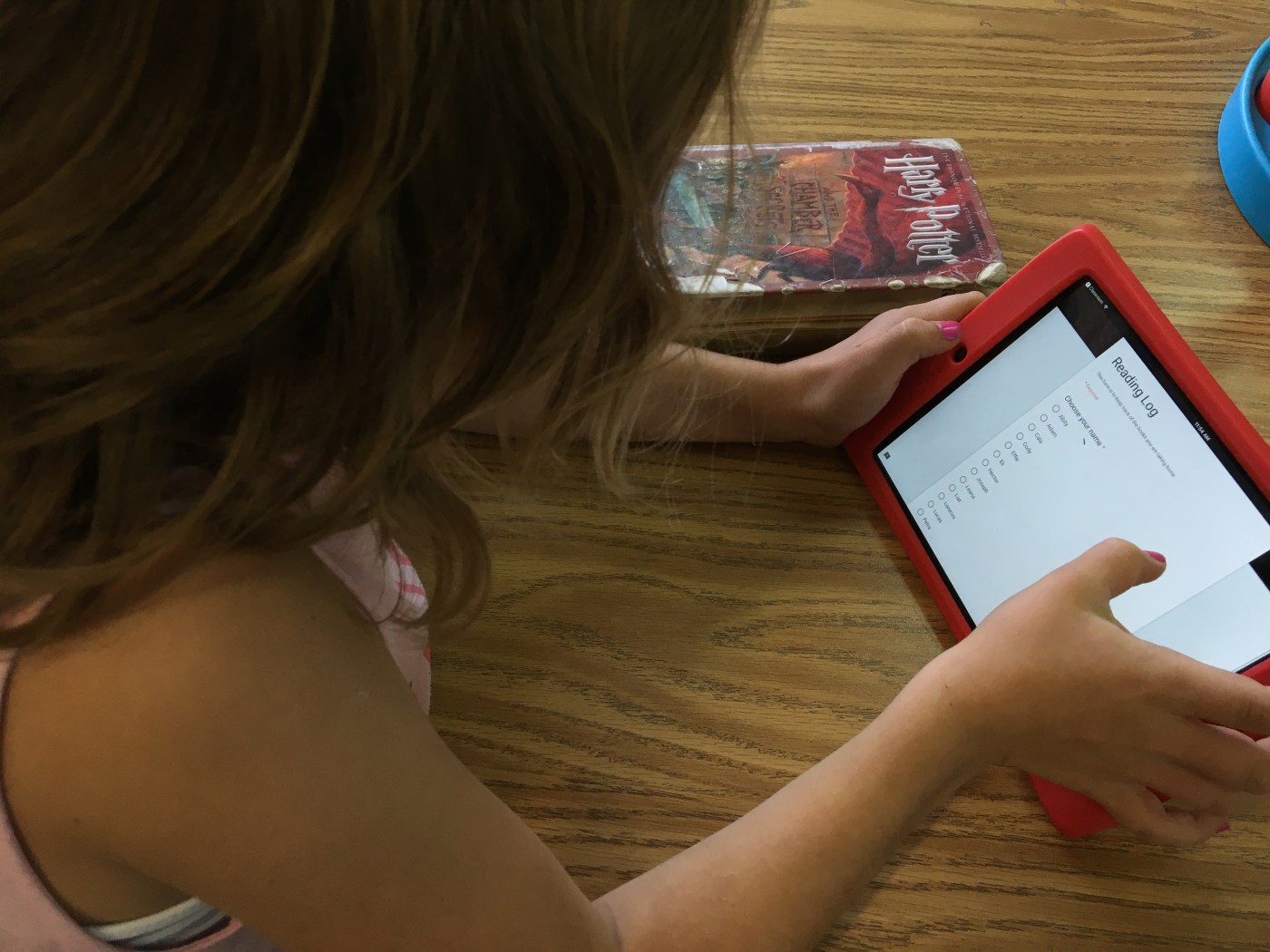
Over the years I have tried many a system for checking out classroom library books to students. Some systems were too onerous on teacher time. Some systems didn’t provide sufficient accountability so books would permanently be borrowed never to return!... Continue Reading →
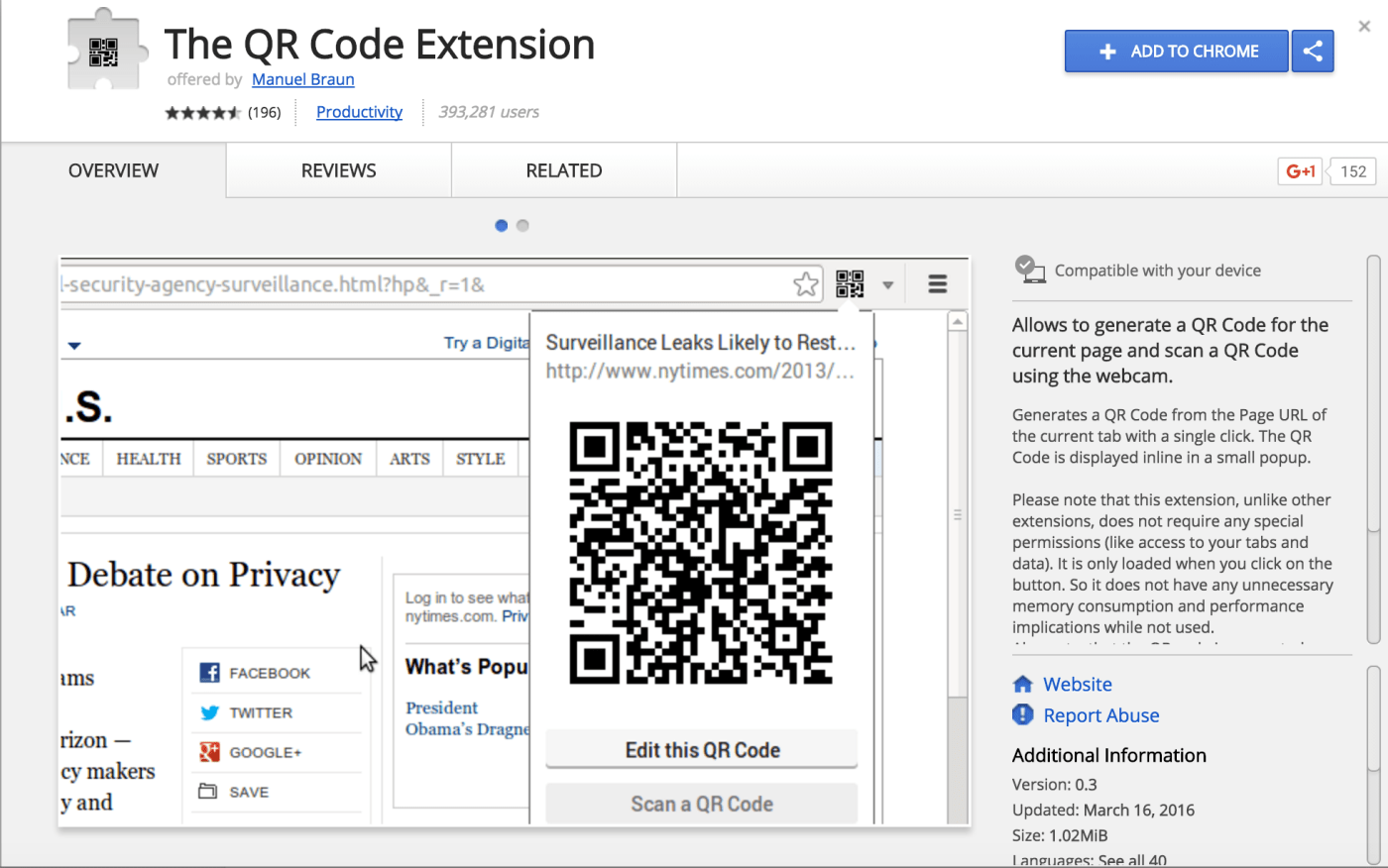
By itself Chrome is a powerful browser, but the beauty of it lies in the add-ons and extensions. For those that aren't familiar with the difference add-ons can be thought of as stand-alone programs that live in the cloud. Extensions... Continue Reading →
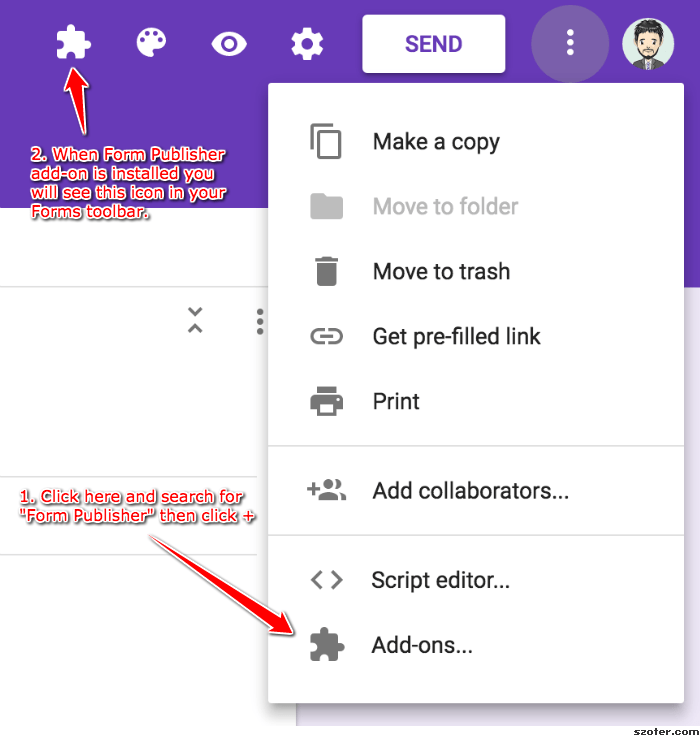
Google Forms are a great way to collect data - but what do you do with all the data once you have it? This conundrum was especially poignant given the redefinition of the electronic portfolio in grade 2 this year,... Continue Reading →

A quick Google search on Accelerated Reader (AR) will lead to all sorts of varied opinions. The most vociferous I find are the haters, very vitriolic in their critiques of the program. What is sorely lacking from many of... Continue Reading →
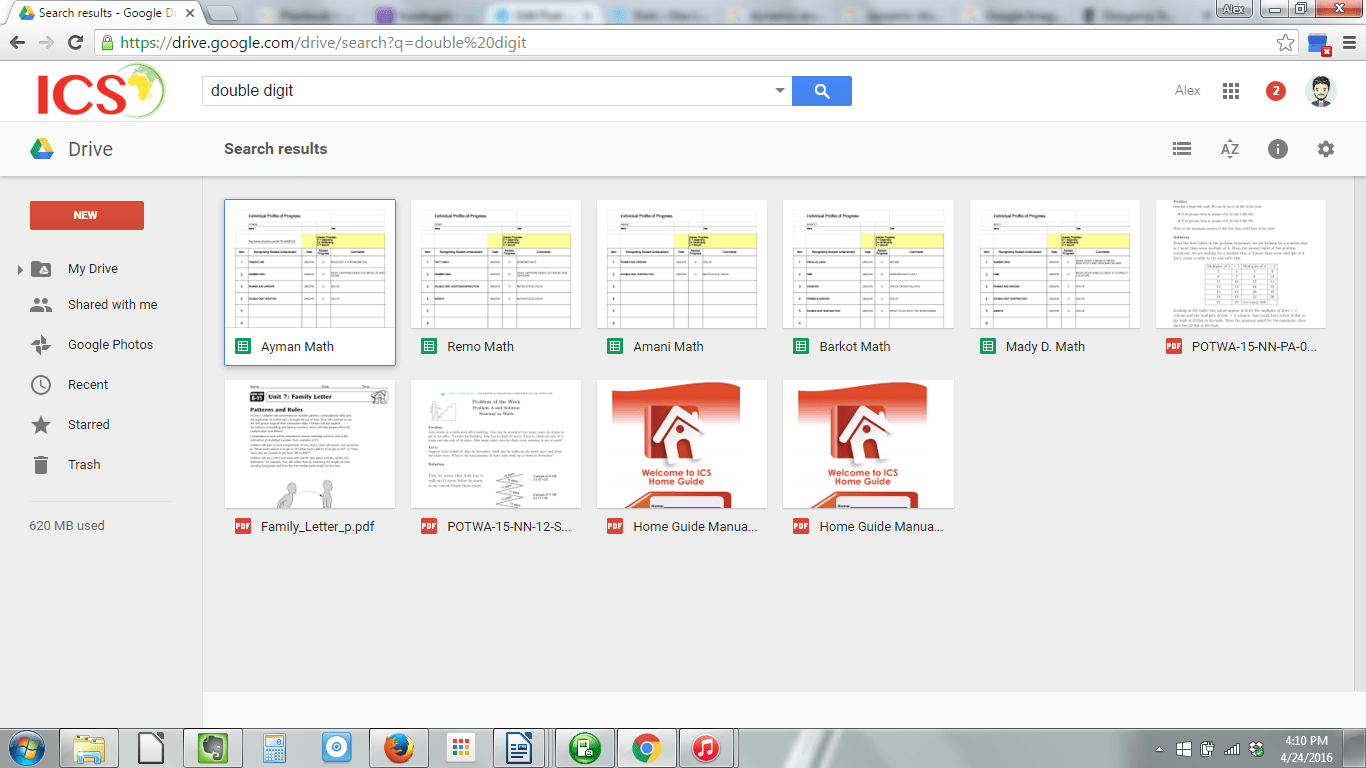
The idea for this post came to me as I was interviewing a potential candidate to join our grade 2 team for the 2016/2017 school year. The question asked was something along the lines of "talk about differentiation" in your... Continue Reading →
 Alex Lancia